How to Get AI Headshots for Your Team in Ten Minutes?
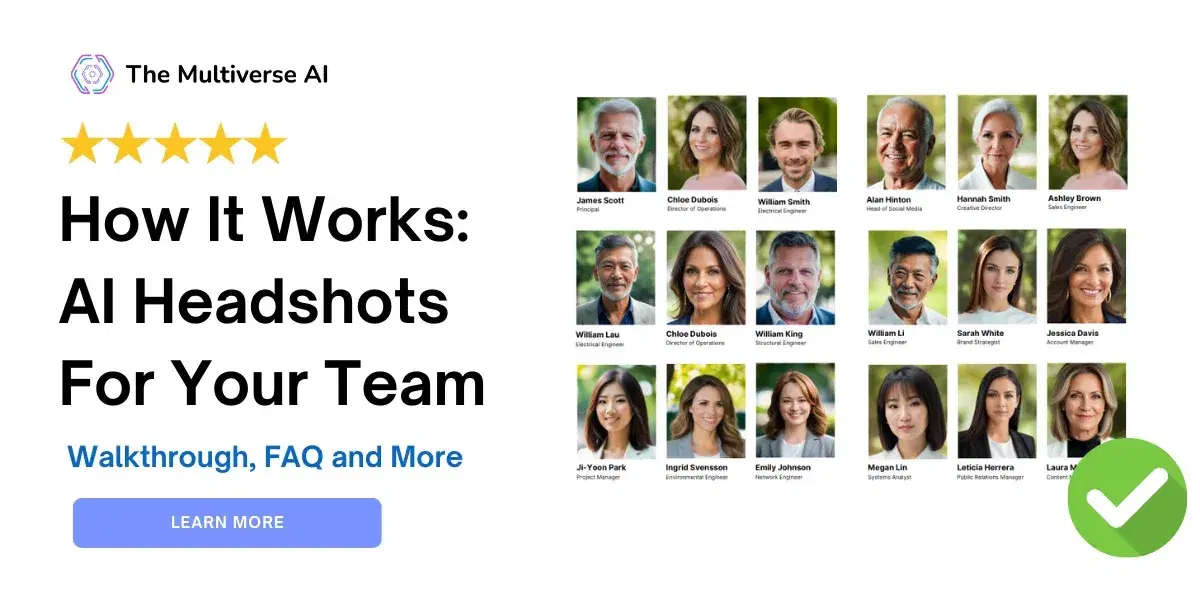
Are you looking to feature your team members on a landing page?
Realizing that professional photographers charge thousands for a professional photoshoot?
That photos taken by a professional photographer usually take weeks to process before you can even see them?
Your project manager is unable to handle the workload of co-ordinating the team and your team's too busy anyway to take time off for photos?
Maybe your team is remote and unable to come in?
AI headshots are the perfect solution here.
Read more below on how to get started on AI headshots for your team
👉 Read our Quick Start: How to Create AI Headshots in Ten Minutes
Get Started 📸
- ⚡ Quick start guide: How to create AI headshots in ten minutes (individuals)
- 📸 How to get the best AI headshots: input photos, troubleshooting and FAQ
- 💼 Guide to getting team headshots using AI
- 👨💼 Guide to getting customized headshots
- 👏 Reviews and testimonials
- 👯♂️ How to become an affiliate partner?
Walkthrough
1. Visit the The Multiverse AI for Teams page

2. Click "Buy Team Headshots" on The Multiverse AI for Teams page

3. Sign up with your social account or email

4. Choose your team size, and finalize payment on the Admin Dashboard page

5. Invite team members by entering their emails on the Admin Dashboard page
👉 Pro tip: email info@themultiverse.ai to share your team members' email in an Excel or any other format.

6. Your invited team members will receive an email with a link to upload their image

7. You can track everything easily with the Admin Dashboard, savings you countless hours of project management

- Status: Keep track of your team's status, see who has uploaded photos and when the headshots are ready
- Results: See team members' headshots
- Actions: Delete team members' invite
- Buy Additional Headshots
- Team status: See how many licenses have been purchases, and how many have been invited
- Invite team members: Enter your team members' email and invite them to get their professional headshots
In case you have any other questions, please see below or email us at info@themultiverse.ai
FAQ
Question: I signed up for The Multiverse AI for Teams and want to make AI headshots for myself. How do I do that?
Answer: It's easy! After purchasing your headshots
-> Go to your Admin Dashboard
-> Click on "Invite Team Members"
-> Fill in your own email address
-> You will be sent an email with a link to the Upload page where you can fill in your email and upload your selfies.
-> After two hours, you will be sent an email with a link to the results of your photos.
Question: I'd like to get a receipt or invoice for my team's purchase. How do I do that?
Answer: Every user gets a purchase confirmation email. If you'd like to get an invoice for your company, please email us at info@themultiverse.ai. We will send you an invoice within 2 working days, usually on the same day.
For any questions or other support, please email info@themultiverse.ai